RoboForex Demo Accounts
The Best Way to Test Trading Conditions
- Similar to real accounts
- Suitable for all trading platforms
- Choose from various asset types
Safe testing of trading strategies
Test trading strategies on demo accounts without investing your own money.
RoboForex demo accounts are different from real ones in that you don't need to deposit any real money for trading on them. This is why using a demo account is one of the most powerful ways to test your trading strategies or EAs in real market conditions.
When trading on RoboForex demo accounts, you can benefit from "Cashback (Rebates)" program, which allows you to get additional income. By receiving virtual rebates on demo accounts, you have an opportunity to assess all advantages of the program and calculate how much you may get with this program after switching to a real account.
Free of Charge
Open a demo account and start trading without any financial investments.
Powerful Tool
On a demo account, you can master your trading strategies without spending real money.
Study Platforms
You can trade on a demo account through any RoboForex platform.
8 Asset Classes
You can trade the same assets on demo accounts as on real ones




















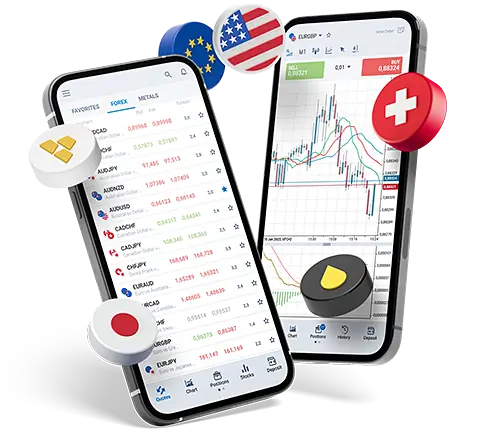
Best app for online trading

- Supports all types of MetaTrader 4 and MetaTrader 5 accounts
- Online monitoring of quotes without delays
- More than 100 instruments and trading tools






Choose Your Demo Account
You can open multiple RoboForex demo accounts and test our trading conditions.
Learn more about the registration process